AI and tech
What to automate first in a small business
Not everything is worth automating. Here is how to spot the jobs that are, seven good places to start, and what to leave alone for now.
By VibeBay team4 min read
Most small businesses do not need "an AI strategy". They need two or three boring jobs to stop eating their week.
The hard part is choosing which ones. Automate the wrong thing and you spend a month building something that saves ten minutes. This guide helps you pick well.
How to spot a job worth automating A good first candidate passes three tests.
It repeats. You do it every day or every week, not twice a year. It follows rules. You could explain it to a new hire in a few sentences. "If the form says X, send email Y." A mistake is cheap. If it goes wrong once, you can fix it with an apology, not a refund or a lawyer. A quick way to find them: for one week, write down every job you do more than twice. At the end, circle the ones you would happily never do again.
7 good places to start
- Taking bookings
What it replaces: phone calls, message threads and a paper diary.
A booking page shows your free times, takes the appointment and sends a reminder the night before. It works for salons, tutors, clinics, studios and anyone who sells time.
Watch out for: double bookings when the calendar is not the single source of truth. Pick one calendar and make everything write to it.
- Answering the same ten questions
What it replaces: replying to "what are your opening hours?" forty times a week.
A chatbot trained on your own policies, prices and opening hours can answer the common questions at any hour and pass the rest to you.
Watch out for: a bot that guesses. It should say "I am not sure, let me get a person" when the answer is not in what you gave it.
- Getting invoices and receipts into a spreadsheet
What it replaces: typing numbers from emails and PDFs into your accounts.
An automation can read incoming invoices, pull out the supplier, date and total, and add a row to your sheet. You check the totals instead of typing them.
Watch out for: blurry scans and unusual layouts. Have it flag anything it is unsure about, and spot check a few each week.
- Writing product descriptions
What it replaces: staring at a blank box for each of your 200 products.
Give an AI tool your product details and a few descriptions you like, and it can draft the rest in your voice. You edit instead of write.
Watch out for: made-up details. A description that claims a feature the product does not have is worse than no description. Check facts before publishing.
- Turning one idea into a week of posts
What it replaces: the daily "what do I post today?" question.
Write one good piece, such as a customer story or a how-to. AI can turn it into a short video script, three captions and an email, each sized for where it will go.
Watch out for: sounding like everyone else. Keep your own stories and opinions in. The tool is for reshaping, not for having ideas for you.
- Following up
What it replaces: remembering to chase quotes, unpaid invoices and people who went quiet.
A simple rule does it: three days after a quote with no reply, send a friendly note. Seven days after an invoice is due, send a reminder.
Watch out for: chasing someone who already replied by phone. Give yourself an easy way to switch a follow-up off.
- Notes after a meeting or a call
What it replaces: scribbled notes you cannot read a week later.
A recording tool can turn a call into a summary with the decisions and who does what next.
Watch out for: consent. Tell people the call is being recorded, and check the rules where you and your customers live.
What not to automate yet Anything you do not yet do well by hand. Automation makes a clear process faster. It makes a confused one confusing faster. Refunds, complaints and bad news. People remember how you treated them when something went wrong. Keep a person there. Decisions about money, contracts or hiring. Let tools prepare the information. Make the call yourself. Rare jobs. If it happens four times a year, a checklist is cheaper than a system. Do it yourself, or hire it out? Both work. The right choice depends on the job.
Do it yourself when the job lives inside one tool you already use, a mistake is harmless, and you enjoy tinkering. Many booking and email tools have automation built in.
Hire it out when the job connects several tools, touches customer data or payments, or you have already lost a weekend to it. Someone who builds automations every day will usually finish in days what takes a beginner weeks, and will know what breaks.
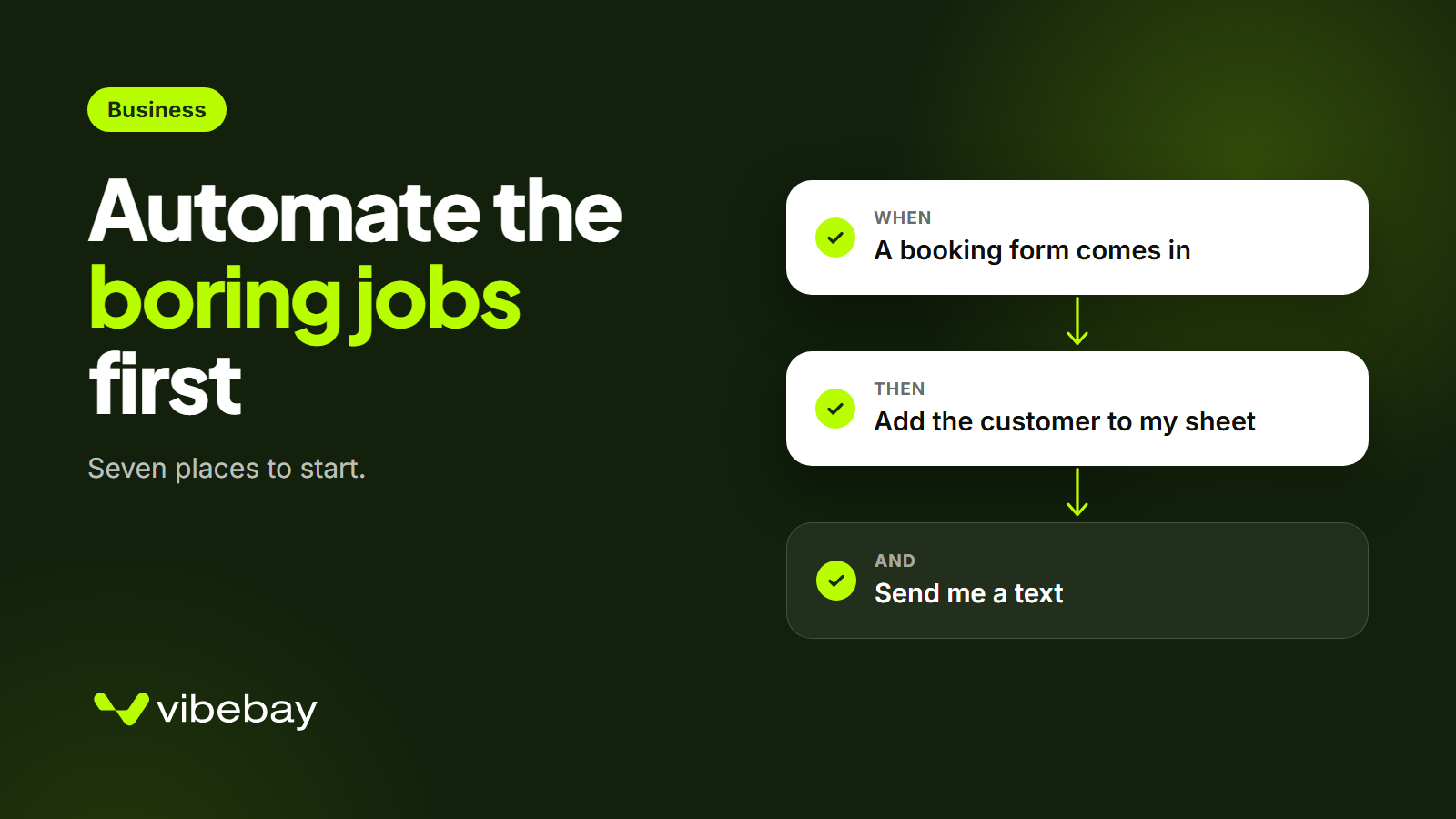
If you hire, the brief matters more than the budget. Say what happens today, what should happen instead, and how you will know it works. "When a booking form comes in, add the customer to my sheet and text me" is a brief someone can build from.
On VibeBay you can post a job like that in plain words and compare proposals from vetted AI talent, or explore talent who build automations, chatbots and small apps. Your payment is held until you approve the work.
Start with one Pick the single job on your list that annoys you most and passes the three tests. Get that one working. Live with it for two weeks. Then choose the next.
Small businesses that do well with AI rarely start with a grand plan. They remove one chore at a time. If you are curious how people build these tools so quickly, read our guide to what vibe coding is.